Gaming
Witcher 3 Console Commands List

In The Witcher 3: Wild Hunt, Geralt often reflects on morality and the idea that evil rarely appears in obvious forms. But when players step into the world of cheats and console commands, those philosophical thoughts tend to disappear quickly. After all, summoning monsters, teleporting across the map, or instantly gaining unlimited gold can be incredibly fun.
The Witcher 3 is one of the largest and most detailed RPGs ever created. The game features a massive open world filled with quests, monsters, and complex storylines. Even after hundreds of hours of gameplay, there are still secrets to discover. However, some players enjoy experimenting with the game beyond its normal limits. That’s where console commands come in.
Console commands allow you to manipulate the game in many ways. You can spawn items, change Geralt’s appearance, teleport to locations, modify the weather, and even switch characters. This guide explains how to enable the console and highlights the most useful commands available.
How to Enable Console Commands in The Witcher 3
Before using cheats, you must activate the developer console. In the PC version of the game, this can be done by modifying a configuration file.
Follow these steps carefully:
-
Open your game installation folder.
-
Navigate to the following path:
-
Find the file named general.ini.
-
Open it using a text editor such as Notepad.
-
Scroll to the bottom of the file and add this line:
-
Save the file and close the editor.
Once the console is enabled, launch the game and press the tilde (~) key during gameplay. This will open the developer console where you can type commands.

Most Useful Witcher 3 Console Commands
Below are some of the most helpful commands that players commonly use.
Gameplay Commands
god
Enables or disables God Mode. Geralt becomes invincible.
setlevel(level)
Sets Geralt’s level to a specific number.
levelup
Increases Geralt’s level by one.
addexp(amount)
Grants a specific amount of experience points.
healme
Restores Geralt’s health completely.
likeaboss
Allows Geralt to deal massive damage to enemies with each hit.
Money and Items
addmoney(amount)
Adds crowns to your inventory.
removemoney(amount)
Removes crowns from your inventory.
additem(‘itemcode’, quantity)
Adds a specific item to your inventory.
removeitem(‘itemcode’)
Removes an item from your inventory.
addkeys
Grants every key available in the game.
blackmagic
Adds one of every item in the game to your inventory. This command can take time to process and may cause performance issues.
Character Commands
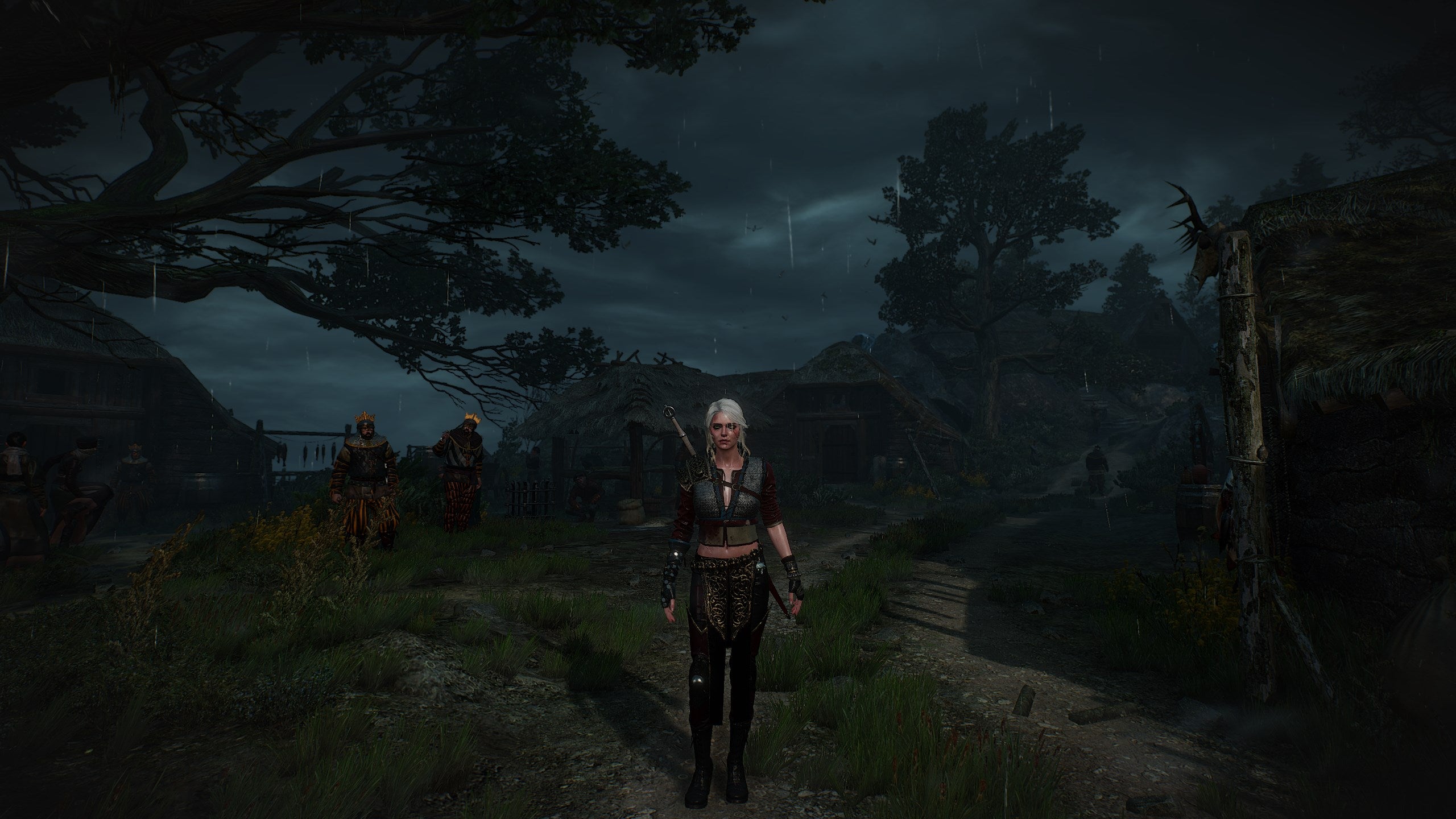
These commands allow you to switch or modify characters.
Ciri
Switches the playable character to Ciri.
Geralt
Switches back to Geralt.
learnskill(‘skillcode’)
Unlocks a specific skill.
addskillpoints(amount)
Adds skill points for character upgrades.
cleardevelop
Resets Geralt’s progression and returns him to starter equipment.
Appearance and Cosmetic Commands
You can also customize Geralt’s appearance using console commands.
addHair1
Geralt’s default hairstyle.
addHair2
Ponytail hairstyle.
addHair3
Long loose hairstyle.
addHairDLC1
Short hairstyle added in DLC.
addHairDLC2
Mohawk hairstyle.
addHairDLC3
Slicked-back hairstyle.
shave
Removes Geralt’s beard.
setbeard(value)
Changes beard length.
settattoo(1)
Adds Geralt’s neck tattoo.
settattoo(0)
Removes the tattoo.
Fast Travel and Teleport Commands
These commands allow instant movement across the world map.
gotoNovigrad
Teleports you to Novigrad.
gotoSkellige
Teleports you to the Skellige Isles.
gotoWyzima
Teleports you to Vizima.
gotoKaerMohren
Teleports you to Kaer Morhen.
gotoProlog
Teleports you to White Orchard.
AllowFT(1)
Allows fast travel from anywhere.
ShowAllFT(1)
Reveals every fast travel point on the map.
Gwent Console Commands
If you enjoy collecting cards or want to dominate Gwent matches, these commands are useful.
secretgwint
Starts a Gwent match against the AI.
addgwintcards
Adds nearly every Gwent card to your deck.
winGwint(1)
Forces a victory in a Gwent match.
winGwint(0)
Forces a loss.
Environment and World Commands
These commands modify the environment and gameplay effects.
settime(days, hours, minutes, seconds)
Changes the in-game time.
makeitrain
Starts rain.
stoprain
Stops rain.
Cat(1)
Activates night vision effect.
Drunk(1)
Makes Geralt drunk.
Drunk(0)
Removes the drunk effect.
Combat and NPC Commands
These commands control enemies and NPC behavior.
spawn(‘npc code’, quantity)
Spawns a specific NPC or creature.
killall(distance)
Kills all enemies within a specific radius.
eviscerate
Instantly dismembers the targeted enemy.
Final Thoughts
Console commands in The Witcher 3 give players complete control over the game world. Whether you want to experiment with character builds, explore hidden areas, collect every item instantly, or simply have fun with unusual effects, these commands open up many possibilities.

Uma Musume Support Card Tier List 2026
Deadlock Tier List 2026

Resident Evil Requiem Unlockables Guide

How to Make Rope in Terraria: The Complete Guide