Roblox
Roblox Username Generator – Create a Cool & Unique Username in Seconds

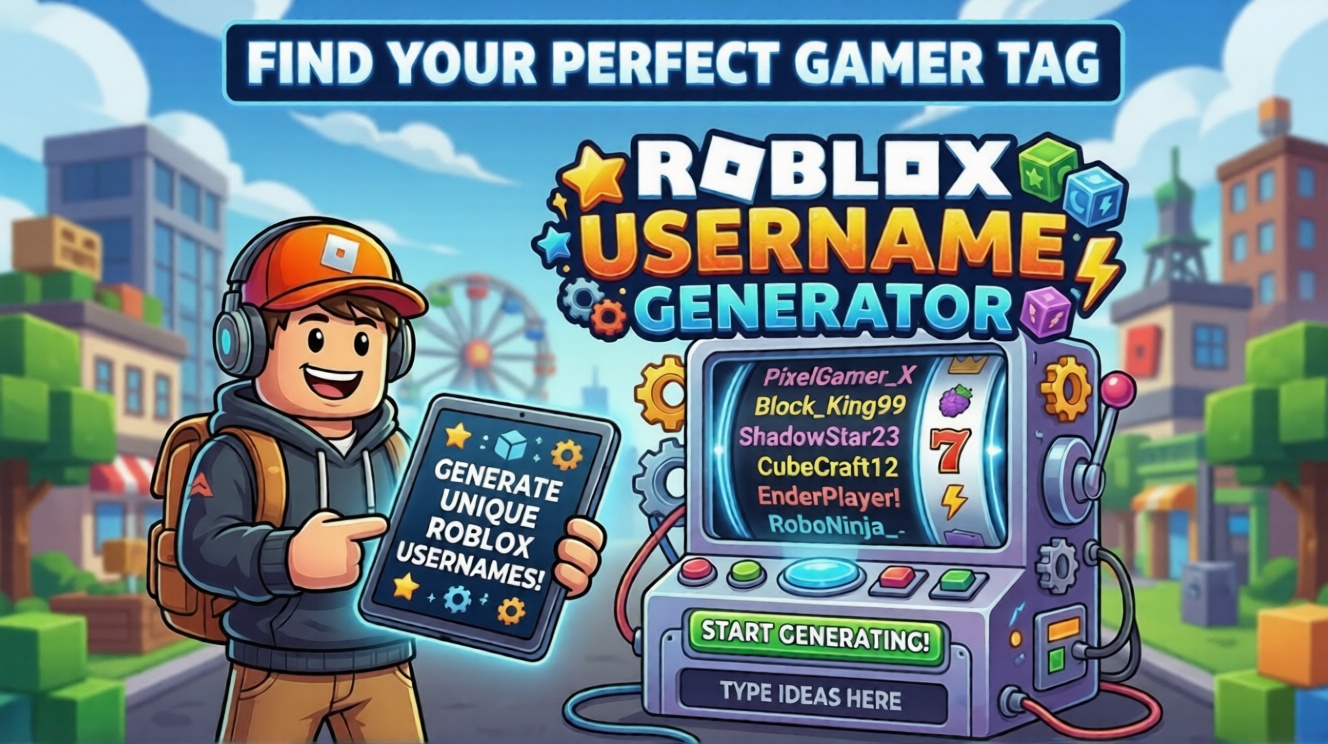
🎮 Roblox Username Generator
Generate hundreds of unique, creative Roblox usernames instantly — with a full guide on how to pick the perfect one.
🎨 Multiple Styles
📋 One-Click Copy
Username Generator Tool
Underscores
X Prefix
ALL CAPS
iTsMe Style
How to Use This Generator — Full Guide
Using this generator is simple, but knowing how to get the best results takes a little strategy. Follow these steps to find your perfect Roblox username in under two minutes.
Enter a Keyword or Theme (Optional)
Type a word that represents your personality or play style into the Keyword field. Examples: shadow, blaze, storm, wolf, void, pixel. The generator will weave this into the usernames it creates. Leave it blank for fully random creative names.
Choose a Username Style
Pick the vibe you want from the Style dropdown. Cool and Edgy produces dark powerful names. Cute and Kawaii gives soft sweet names. Gamer and Pro generates competitive names. Funny and Quirky creates playful meme-worthy options. Fantasy and RPG produces epic lore-style names. Ninja and Warrior gives sharp martial arts inspired names.
Select How Many Names to Generate
Choose between 6, 12, 20, or 30 usernames per batch. We recommend starting with 12 — enough variety to find something great without being overwhelming. If nothing clicks, hit Regenerate instantly for a fresh batch.
Pick Your Format Modifiers
Modifiers change the structure of generated names. Add Numbers appends digits to increase uniqueness. Underscores inserts an underscore between words. X Prefix adds a stylish x before the name. ALL CAPS makes everything uppercase. iTsMe Style creates alternating caps for a quirky look. You can combine multiple modifiers at once.
Generate and Browse Your Names
Click the orange Generate button and your names appear instantly in the grid below. Click the Copy button next to any name to copy it to your clipboard. The button will turn green to confirm it has been copied successfully.
Copy and Check Availability on Roblox
Once you have a username you love, copy it and head to the Roblox website or app. During account creation or username change, paste it into the username field to check if it is available. Have several backup options ready since popular names are often already taken.
What Makes a Great Roblox Username?
Not all usernames are created equal. Here is what to look for when evaluating the names this generator produces.
Short and Memorable
The best names are under 12 characters. Short names are easier for friends to remember, type in chat, and tag in games.
Easy to Say Aloud
If your username is unpronounceable, people will not remember it. Names that sound natural in voice chat build identity faster.
Matches Your Playstyle
A name like ShadowVoidX fits a stealth player. BubblePuppy fits a casual one. Alignment between name and style feels authentic.
Smart Use of Numbers
Adding one meaningful number helps availability without making the name feel spammy or randomly generated.
Universally Appropriate
Roblox has strict guidelines. Keep it clean, avoid impersonating real players, and stay away from offensive terms.
Original Combination
Two common words combined in an unexpected way can produce a deeply memorable username that stands out on leaderboards.
Official Roblox Username Rules
Before you fall in love with a username, make sure it follows Roblox’s official platform rules. Violating these rules means the username will be rejected during registration or when changing your name.
| Rule | Details | Allowed? |
|---|---|---|
| Length | Must be between 3 and 20 characters long | Required |
| Letters | Uppercase and lowercase letters A to Z are both allowed | Allowed |
| Numbers | Digits 0 to 9 can be used anywhere in the username | Allowed |
| Underscores | One underscore is allowed but cannot start or end the name | Allowed |
| Spaces | No spaces are permitted in Roblox usernames | Not Allowed |
| Special Characters | Symbols like @, #, !, -, . are not permitted | Not Allowed |
| Offensive Content | Usernames with profanity or inappropriate content are banned | Not Allowed |
| Impersonation | You cannot closely copy a Roblox staff member or famous creator name | Not Allowed |
| Username Change Cost | Changing an existing username costs 1,000 Robux | Paid Feature |
⚠️ Check Availability Before Getting Attached
This generator creates unique name combinations but cannot check live Roblox availability. Always paste your chosen username into the Roblox sign-up or username change page to confirm it is actually available. Have 3 to 5 backup options ready just in case your top choice is already taken.
Frequently Asked Questions
Are the generated usernames guaranteed to be available on Roblox?
No — this generator creates creative name combinations but cannot check live Roblox availability in real time. Roblox has over 200 million registered accounts so some generated names may already be taken. Always verify availability directly on the Roblox platform before committing to a name.
How many characters can a Roblox username have?
Roblox usernames must be between 3 and 20 characters long. This generator targets the 6 to 16 character range as the sweet spot — short enough to be memorable and long enough to be unique. All generated names comply with Roblox character limit rules.
Can I use spaces or special characters in my Roblox username?
No. Roblox only allows letters, numbers, and a single underscore character. Spaces, hyphens, periods, exclamation marks and all other special characters are rejected. This generator only produces names using valid Roblox-approved characters.
How much does it cost to change my Roblox username?
Changing your username on Roblox costs 1,000 Robux which is approximately $12.49 USD at standard Robux pricing. This is why it pays to spend extra time finding the right username before committing — use this generator to explore many options before making your final decision.
Can I use this generator without creating an account?
Yes — this generator requires no account, no login, no email address, and no personal information of any kind. Simply choose your settings, click Generate, and copy the results. It is completely free and works instantly in your browser.
What if none of the generated names feel right?
Keep regenerating! Each click produces an entirely new batch using different combinations. Try tweaking your keyword, switching the style category, or toggling different modifiers to shift the creative direction. Most users find a name they love within 3 to 5 batches.


Vampire Crawlers Coin Farming Guide

Forza Horizon 6 Performance: Why 60 FPS Is Still the Console Standard

Yoshi and the Mysterious Book (2026) – Full Completion Guide, Rewards & Secret Ending

How to Get Free Pets in Adopt Me: A Guide for Players

Roblox Username Generator – Create a Cool & Unique Username in Seconds

Bloxburg Neighborhood Codes 2026
How to Get Free Pets in Adopt Me: A Guide for Players

Grow a Garden Recipes in Roblox: Guide to Cook (Donuts, Sushi, Pie, Pizza & More!)

Job Opportunities in Dubai – 2026